How to Create a LinkedIn Company Page in 2026 (and Make It Actually Get Seen)
A step-by-step guide to creating a LinkedIn Company Page on desktop or mobile, the assets to prepare first, a pre-launch checklist, and the uncomfortable truth about page reach, plus how to fix it through your team.

Creating a LinkedIn Company Page takes about ten minutes. Making it matter takes a plan.
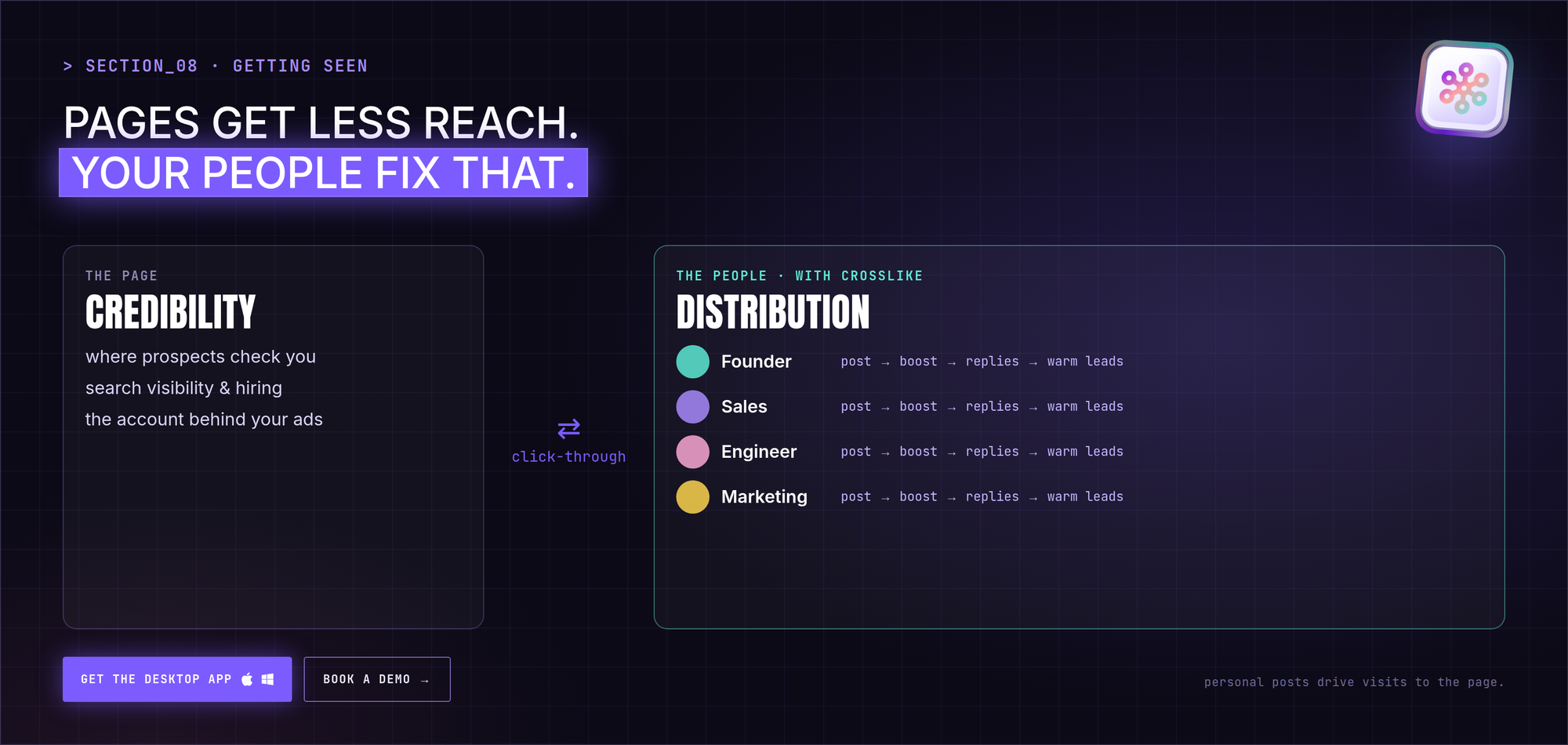
Here's the part most guides skip: on LinkedIn, people get more reach than pages. Your page is your credibility layer, the place prospects and candidates check, and the foundation for ads. The distribution usually comes from the people behind it.
This guide covers what a Company Page is, what to prepare, how to create one on desktop and mobile, a pre-launch checklist, and a practical plan to get your company's message seen, including how CrossLike helps founders and team members build reach from their own profiles.
Company Page vs personal profile
| Personal profile | Company Page | |
|---|---|---|
| Owned by | One person | The organization, with multiple admins |
| Relationships | Two-way connections (capped at 30,000) plus followers | One-way followers, no cap |
| Organic reach | Usually higher | Usually lower |
| Ads | No | Yes, required for LinkedIn Ads |
| Survives staff changes | No | Yes |
What that means in practice: use the page for credibility, search visibility, hiring and ads. Use people for distribution.
Is a LinkedIn Company Page free?
Yes. Creating a page, posting, commenting, inviting followers and reading analytics are free. LinkedIn Ads, Sales Navigator and Recruiter are separate paid products, and none of them fixes low organic reach by themselves.
What to prepare before you start
Requirements:
- A personal LinkedIn profile that's at least 7 days old and has some connections
- A company email address on your domain (recommended for verification)
- Your official organization name
Assets:
| Asset | Spec | Tip |
|---|---|---|
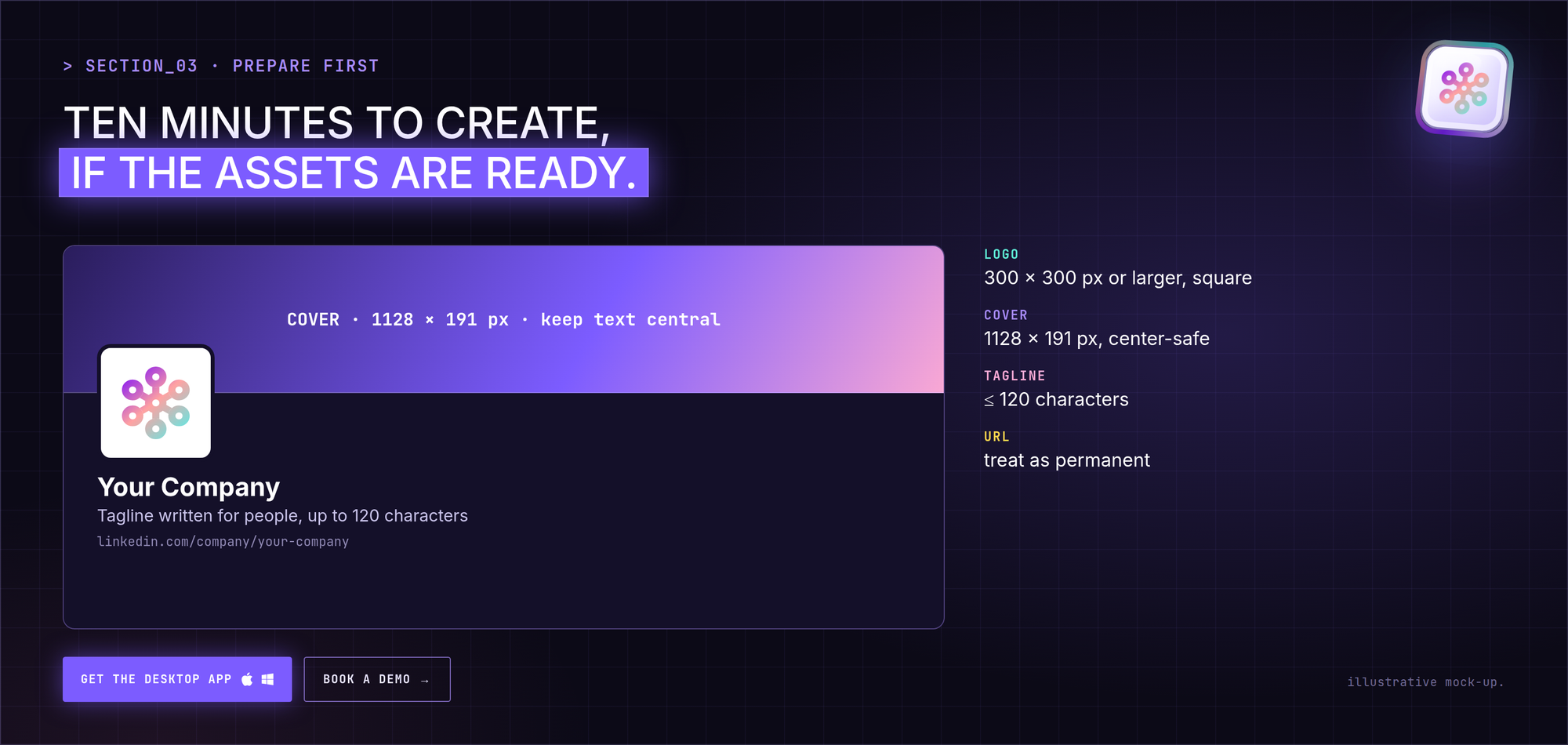
| Logo | At least 300 × 300 px, square | Test it at small size: it appears tiny in feeds and comments |
| Cover image | 1128 × 191 px | Mobile crops from the center, so keep text central |
| Tagline | Up to 120 characters | Write it for people, not for keywords |
| Public URL | linkedin.com/company/your-name | Treat it as permanent |
Decisions to make first:
- Who owns the page day to day?
- Who is the second admin (so you're never locked out)?
- What will the first three posts be?
How to create a LinkedIn Company Page on desktop (7 steps)
- Click For Business in the top navigation, then Create a Company Page.
- Choose the page type: Company, Showcase page or Educational institution.
- Enter the page name and public URL. LinkedIn checks availability as you type.
- Add industry, company size and company type. Add your website too; it helps people find you.
- Upload your logo and write your tagline. Check the preview on the right.
- Tick the box confirming you're authorized to act for the organization.
- Click Create page. Then finish the About section, add the cover image, and publish your first post.
Don't invite anyone to follow an empty page. Publish at least three useful posts first. You only get one first impression with each person you invite.
How to create a Company Page on mobile
iPhone / iPad: tap your profile photo → Settings → scroll down → Create a Company Page → fill in name, URL, website, industry and size → upload logo, add tagline, confirm → Create page.
Android: tap your profile photo → Settings → Create a Company Page → complete the same fields → Create page.
Mobile works, but uploading and previewing images is fiddly. Use desktop if you can.
Can you create a page without a personal profile?
No. LinkedIn requires a personal profile to create a page, partly as a spam check. Your profile isn't shown publicly as the owner. Agencies often create a page, add the client as super admin, then remove themselves.
One page or several?
- One page per legal entity is the default.
- Several products for the same audience: use Showcase Pages under the main page.
- Very different audiences: separate pages can make sense, but followers don't transfer between them and your reach gets split.
One page with 800 followers usually beats two pages with 400 each, and it's half the work.
Pre-launch checklist
- Logo and cover image uploaded and checked on mobile
- Tagline written for people
- About section complete, with a strong first two lines
- Custom button set (Visit website, Contact us, and so on)
- Industry, size and location filled in
- At least three posts published
- A second admin added
- Team members asked to add the company to their profiles
How to make your Company Page get seen
1. Accept that pages get less reach
The page is where people check you out. Your people are how they hear about you in the first place.
2. Get your people posting in their own voice
The most effective thing a page can do is get five to ten team members posting about the work, in their own words. Not reshares with "Check this out!", but lessons, numbers and stories from their own role. Give them raw material and clear boundaries, not a script.
3. Give those posts early momentum with CrossLike
This is where CrossLike fits. It focuses on personal profiles, the accounts that actually reach people:
- Content Plan: each founder or team member gets a 7-day plan with ready-to-edit drafts, hooks and calls to action.
- Boost: strong posts get early likes, comments, saves and DM shares from real professionals in the CrossLike community, with the credit cost shown before you confirm.
- Engagement Engine: drafts comments on posts from the voices your buyers follow, approved by the person whose name is on it.
- Reply Center: keeps threads alive by drafting replies to new comments.
- Warm Leads: shows which engagers match your ideal customer profile, so sales knows who is warming up.
When a founder's post about the company travels, people click through to the page. That's how a page picks up followers who care.
See how teams use this: CrossLike for sales teams and CrossLike for founders.
4. Post useful, not promotional
Lessons from projects, behind-the-scenes numbers, explanations of how your field works, problems you solved for customers. The test: would a stranger get something from the post if you removed the logo?
5. Don't lead with a bare link
A post that's mostly an external link is one of the weakest things a page can publish. Put the substance in the post and the link in the first comment.
6. Keep a steady rhythm
Two or three posts a week, held for six months, beats a launch burst followed by silence. Everyone who visits sees the date of your last post.
7. Reply to every early comment
For the first six months, answer every comment on the page within hours. Early replies keep posts circulating.
8. Measure engagement, not followers
Track engagement rate, page visits, and how many conversations start from page and team posts. Follower count is the least useful number.
FAQ
Is it free to create a LinkedIn Company Page?
Yes. Creating a page, posting, replying, inviting followers and reading analytics are free. Ads, Sales Navigator and Recruiter are paid extras.
Do I need a personal profile to create a Company Page?
Yes. It must be at least 7 days old with some connections. You won't be shown publicly as the owner, and you can add other admins.
Should I create separate pages for each business?
One page per legal entity. For several products with the same audience, use Showcase Pages under the main page.
How long does it take to create a Company Page?
About 10 minutes if your logo, cover image, tagline and URL are ready.
Can I change the page name or URL later?
You can edit the name in the admin settings. The public URL is much harder to change, so treat it as permanent.
How often should a Company Page post?
Two to three times a week, consistently. One post a week you keep up beats five a week you abandon.
Does CrossLike work with Company Pages?
CrossLike focuses on the personal profiles of your founders and team members, which is where most LinkedIn reach happens. Their posts and comments drive attention to the company, and to the page.